


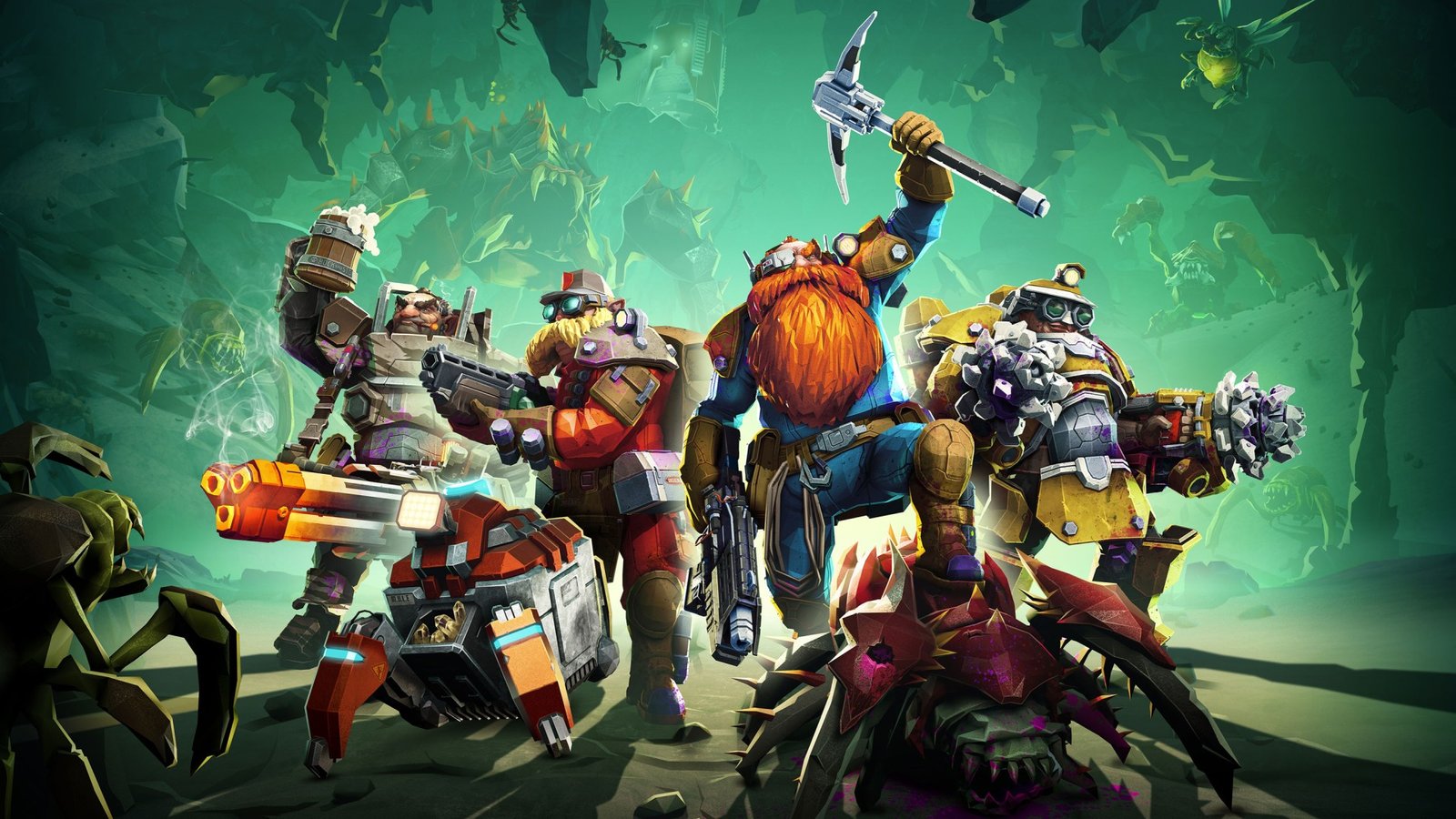
Deep Rock Galactic, the thrilling co-op space-mining FPS developed by Ghost Ship Games, continues to capture the hearts of gamers around the world. With its expanding fan base and multi-platform availability, a frequent question arises: is Deep Rock Galactic crossplay? In this complete guide, we’ll answer that question, explore platform-specific details, and explain how to play with friends across different systems.
Profile Biographie Table
| Feature | Details |
| Game Title | Deep Rock Galactic |
| Developer | Ghost Ship Games |
| Publisher | Coffee Stain Publishing |
| Initial Release | May 13, 2020 (PC & Xbox One) |
| Game Genre | First-Person Shooter (FPS), Co-op |
| Platforms | Steam, Windows Store, Xbox, PlayStation |
| Crossplay Available | Limited (explained below) |
| Multiplayer Type | Co-op (1–4 players) |
What Is Deep Rock Galactic?
Deep Rock Galactic is a cooperative multiplayer game where players take on the role of dwarves employed by an intergalactic mining company. Your mission? Delve deep into procedurally generated caves, extract valuable resources, and survive waves of alien threats. With its distinct mix of team strategy, action, and humor, it’s become a favorite among co-op lovers.
Is Deep Rock Galactic Crossplay in 2025?
The short answer is: Yes, but only partially.
Deep Rock Galactic offers limited crossplay, depending on the version and platform you’re using.
There are two main versions of the game:
- Microsoft Store / Xbox Version
- Steam / PlayStation Version
Crossplay only works between specific pairings, not universally across all platforms.
Deep Rock Galactic Crossplay Between Xbox and PC (Microsoft Store)
Players who own Deep Rock Galactic via the Microsoft Store or are playing through Xbox Game Pass can crossplay with each other. That means:
- Xbox One ↔ Windows Store PC
- Xbox Series X|S ↔ Windows Store PC
- Xbox Game Pass ↔ Microsoft Store PC
This setup supports seamless crossplay and even cross-progression, making it the best route for players who want to move between Xbox and PC.
Is Deep Rock Galactic Crossplays Between Steam and Xbox?
Unfortunately, No.
Steam and Xbox players cannot play together. These are entirely separate ecosystems. Even though both are on PC or console, the different backends (Steam vs. Microsoft services) prevent crossplay.
Deep Rock Galactic Crossplays Between Steam and PlayStation
No crossplay is available between Steam and PlayStation.
Both are isolated multiplayer environments with separate player bases.
If your friends play on PlayStation and you’re on Steam, there’s currently no way to join forces in-game.
Is Deep Rock Galactic Crossplays Between PlayStation and Xbox?
Again, no.
There is no crossplay support between PlayStation and Xbox consoles as of 2025. Each platform maintains its own online servers and progression systems.
Cross-Progression in Deep Rock Galactic
While full cross-progression is not supported, Xbox and Microsoft Store PC players benefit from shared progression. That means your in-game stats, characters, and upgrades carry over between Xbox and PC (Microsoft version), as long as you’re signed into the same Microsoft account.
Steam and PlayStation versions do not share progression with other platforms.
Why Doesn’t Deep Rock Galactic Offer Full Crossplay?
There are a few key reasons why Deep Rock Galactic crossplay is limited:
- Separate Server Infrastructures – Steam, Xbox, and PlayStation all use different multiplayer backends.
- Technical Challenges – Syncing updates and content across platforms can cause compatibility issues.
- Publisher Restrictions – Each platform has policies that may restrict full integration.
Ghost Ship Games has acknowledged the community’s interest in full crossplay but has not confirmed plans to implement it across all platforms in the near future.
How to Play Crossplay on Deep Rock Galactic
If you’re aiming to play cross-platform, your best bet is:
- Purchase the game via the Microsoft Store
- Ensure all players are using Xbox or Microsoft Store PC version
- Sign in with the same Xbox Live account or add each other as Xbox friends
Then, you can invite each other and play with full crossplay support.
Will Deep Rock Galactic Get Full Crossplay Support?
There’s no official word from Ghost Ship Games about adding full crossplay (e.g., Steam ↔ Xbox ↔ PlayStation). However, with cross-platform gaming becoming more common, there is hope that future updates or sequels might make it a reality.
For now, the crossplay remains partial, and planning your purchases around platform compatibility is key if you want to play with friends.
Conclusion
So, is Deep Rock Galactic crossplay? Yes—but only within the Microsoft ecosystem. Xbox and Microsoft Store PC users enjoy true crossplay, but Steam and PlayStation players remain locked to their platforms.
If you’re considering which version to buy for multiplayer purposes, your choice should depend on where your friends are playing. We hope this guide helps you dig deep and make the right decision for your co-op mining adventures!
Read more: Retro Bowl 3kh0: The Ultimate Unblocked Football Game Experience
FAQs about Deep Rock Galactic Crossplay
No, Steam and Xbox players cannot play together. They operate on different systems.
No, crossplay between PlayStation and PC (Steam or Microsoft) is not supported.
Yes, but only between Xbox and Microsoft Store PC. Steam and PlayStation users do not share progression with any other platform.
Crossplay is automatic between Xbox and Microsoft Store PC. Just add your friends via Xbox Live.
There’s no confirmed release for full crossplay, but developers have acknowledged the demand from the community.